

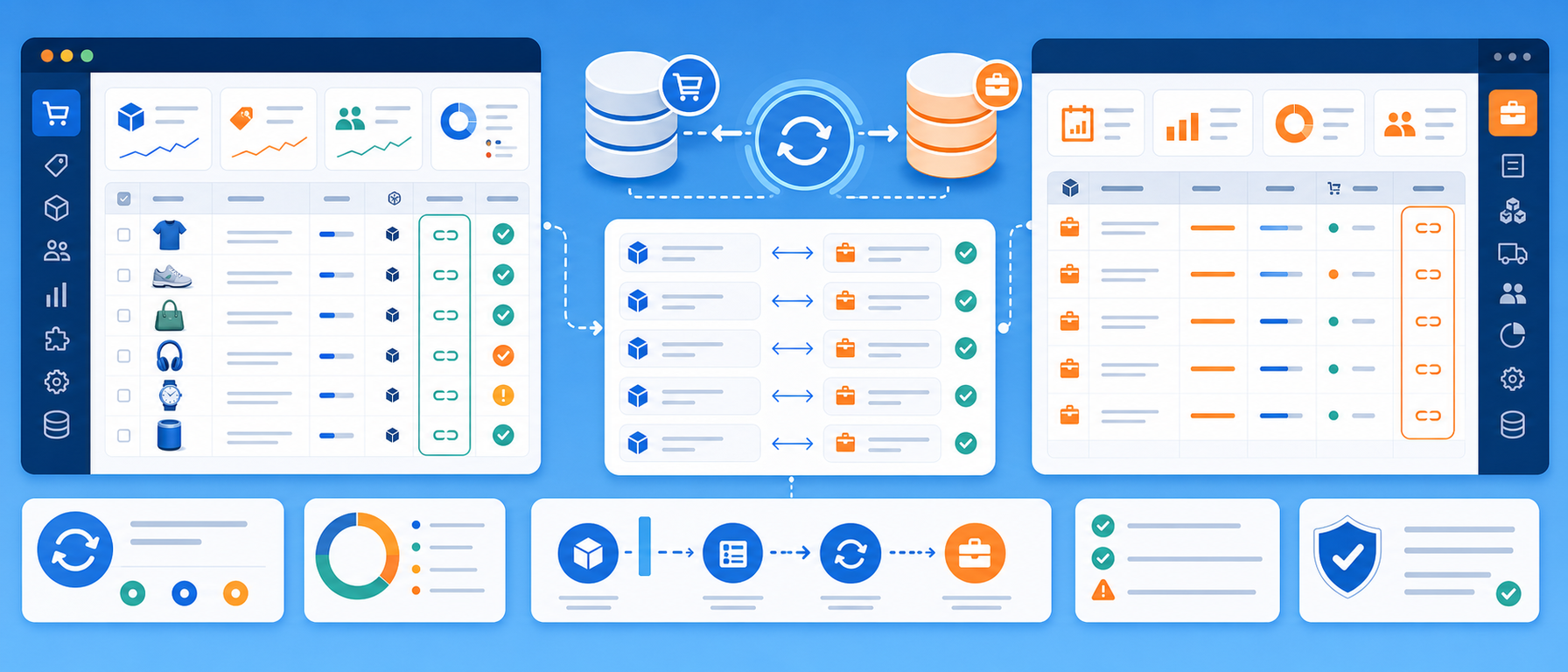
Your eshop and your SoftOne now speak the same language. Products, prices, stock and orders move automatically from one system to the other. There's no double data entry, no Excel exports and no manual checks.
The integration reads data directly from the SoftOne database and writes it to PrestaShop through the official Webservice API. The same way, it brings your eshop's orders and customers back into SoftOne as proper documents. What changes in the ERP shows up in the store, and what the store sells is recorded in the ERP.
Ready-to-use integration with a monthly subscription
Hot Web Design has already developed the PrestaShop–SoftOne connector. We do not need to build a new integration from scratch for every customer. The existing software is configurable for your SoftOne fields, business rules and store requirements.
- Monthly subscription: use the integration as a managed service for a recurring monthly fee, without commissioning a new custom connector.
- Installation options: deploy to a suitable Windows, Linux or server environment, depending on your infrastructure and agreed support arrangement.
- Try before going live: request a demonstration or pilot trial to verify mappings and data flows before production activation.
- No mandatory custom development: standard deployments use configuration and field mappings. Requirements beyond the available configuration options can be assessed separately.
Pricing and service scope depend on the integration environment, number of stores, synchronisation workflows and support requirements. Request a demo or quotation.
What gets synchronised
Product catalogue
- Products: code, name, short and long description, barcode (EAN), weight, manufacturer, status (active/inactive).
- Prices: the SoftOne retail price reaches the store net of VAT, with the correct tax rule, as PrestaShop expects.
- Special offers: SoftOne special prices, with start and end dates, become discounts in the store.
- Categories: SoftOne item groups are mapped to store categories, together with each product's extra categories.
- Manufacturers and brands.
- Images: photos attached to SoftOne items are uploaded to the store, with optional size optimisation.
- Related products (accessories): complementary item suggestions appear on the product page.
- Product type: choose per category whether a product opens as standard, with combinations, virtual or a pack.
Variants: size, colour, model
Items that are variants of the same product in SoftOne become combinations of one product in the store. Examples are the sizes of a garment, the colours of an accessory or the models of a range.
- Each combination keeps its own code, barcode and stock.
- Variant attributes (size, colour, model or whatever else you keep in SoftOne) are created automatically in PrestaShop.
- Customers choose on the product page and see the right availability for each option.
Features and filters
- SoftOne details (material, colour, usage, gender, age group and more) become PrestaShop features, ready for the catalogue's search filters.
- SoftOne multi-select fields are supported: a product with several selected values appears correctly under every value of the filter.
- You decide which field becomes which feature, and you can change it at any time.
Stock
- Stock per product and per combination, straight from SoftOne.
- Reserved quantities are subtracted, so the store never sells what has already been promised.
- Out-of-stock behaviour (accept orders or not), per product.
- Frequent, lightweight stock syncs, independent of the rest of the catalogue.
Customers
- SoftOne customers are transferred to the store, and new store customers are registered in SoftOne.
- Smart customer matching: for each order the customer is found in SoftOne by email, mobile and landline. When the same person has several accounts, the one that matches more details wins, with email first, then mobile, then landline.
- Loyalty programme: the customer group and the last twelve months' turnover are updated in the store, for group discounts and perks.
Orders
- Store orders are recorded in SoftOne as documents, with customer, lines, quantities, prices, discounts, shipping costs and delivery address.
- VAT and totals are calculated the way SoftOne itself calculates them, so the document matches the order amount to the cent.
- Separate document series for delivery and for in-store pickup, each with its own warehouse and cash register.
- Mappings picked from a list: the store's order statuses, carriers and payment methods are mapped to SoftOne codes. The lists come ready from both systems.
- Protection against duplicates: an order that has already been recorded is never recorded twice.
- Orders that ask for an invoice are set apart, so they're recorded with the right tax details.
From SoftOne back to the store
- The order status (e.g. processing, shipped, cancelled) is updated in the store, and the customer receives the matching emails.
- The courier's tracking number is added to the order, so the customer can follow the parcel.
Fits your SoftOne
Every SoftOne installation is different, with its own fields, tables and rules. That's why the integration is not a black box:
- Editable queries (SQL): what is read from SoftOne is defined in queries that adapt to your own database and custom fields.
- Field mappings: which SoftOne field goes to which store field, with transformations such as value tables, conditions, field concatenation, text templates and type conversion.
- Multilingual stores: names and descriptions per store language.
- Multiple profiles: several stores or companies from one installation.
- Coexists with an existing integration: every record is linked to its SoftOne code, so moving from another solution creates no duplicate products.
Automation and control
- Scheduled syncs: choose which job runs, on which days and how often. For example, stock every few minutes, the catalogue at night and orders continuously.
- Only what changed: syncs send only the changes, so they're fast and light on the store.
- Dry run: see what would change before anything changes.
- History and detailed log: every record, every success and every error, with a clear message about what needs fixing.
- Live monitoring, with pause, resume and cancel for a running job.
Wherever you are
- Desktop app for Windows and Linux, in Greek and English, with light and dark themes.
- Browser (web) management: the same dashboard from any computer or phone.
- Server mode: runs on a server without a screen, as an always-on service.
- Connect AI agents (optional): a built-in MCP server for AI-driven control and reports, with permissions per function.
Security
- Database and store credentials are stored encrypted (AES-256).
- Settings are locked behind a password, so nobody changes connections or mappings by accident.
- Separate roles on the web: a user can watch the status and run syncs without being able to change settings.
- The store is reached only through its official API, with the permissions you grant.
What you gain
- No double data entry: products and orders are entered once.
- Accurate stock: fewer cancellations for items that turn out to be unavailable.
- Faster fulfilment: the order is in SoftOne at once, ready for packing and invoicing.
- Informed customers: status and tracking arrive by email, with no phone calls.
- One catalogue, one truth: what you change in SoftOne applies everywhere.
How we work
- Analysis: we study your SoftOne (series, fields, warehouses, payment and shipping methods) and your store.
- Configuration: we configure the existing queries and mappings for your business; standard deployments do not require building new software.
- Testing: everything is first tested in a test environment and with dry runs, before it touches the live store.
- Go-live: a gradual start, with the first syncs closely monitored.
- Support: we're there for changes, new fields and upgrades.
Frequently asked questions
Which versions are supported? PrestaShop 8.1 and later (including PrestaShop 9), and SoftOne on SQL Server.
Do we need to change how we work in SoftOne? No. The integration adapts to your own fields and organisation.
What happens if a product has a problem? The sync carries on with the rest. The product appears in the history with a message about what needs fixing, and it's retried on the next run.
Can we start gradually? Yes. Each part (catalogue, stock, orders, customers) is enabled separately.
We already use another integration. Can we switch? Yes. Existing records are recognised by their SoftOne code, without creating duplicate products or customers.
Request a quote
Want your PrestaShop store to work together with SoftOne without double work? Contact us to talk about your case and get the right solution for you.
For other ERP platforms, see our PrestaShop ERP Integration service.