

What it is
The Price Tracker module for PrestaShop 8 and 9 records every change in your product prices over time.
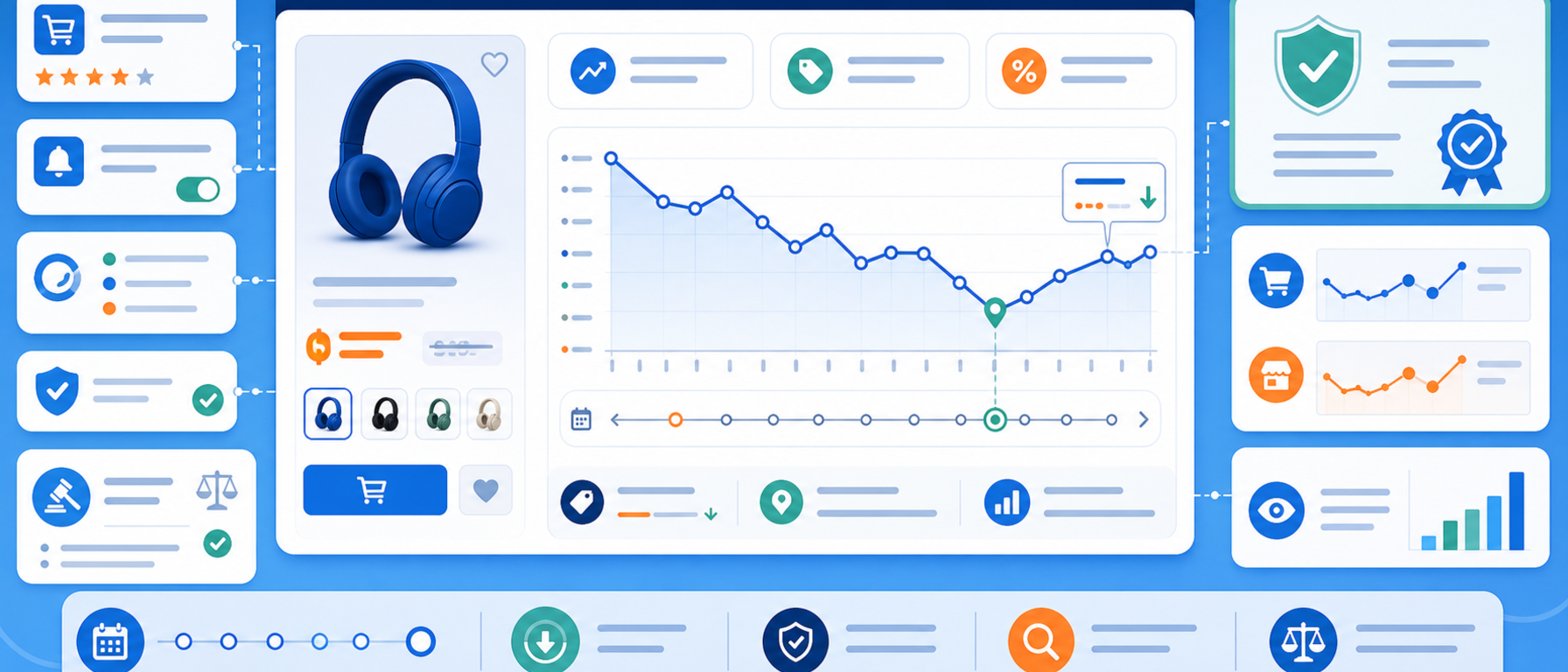
On the product page it shows a price history chart and the lowest price of the tracking period, so customers can see how the price has moved and whether a discount is real.
The tracking period, the type of prices shown and the filters are all set from the back office.
The lowest price and EU rules on price reductions
Under EU rules (Article 6a of Directive 98/6/EC, added by the Omnibus Directive (EU) 2019/2161), a store that announces a price reduction has to show the prior price: the lowest price it charged in at least the 30 days before the reduction. The module keeps the price history and shows this lowest price automatically. You can set the tracking period from 1 to 365 days, and you can choose to show the lowest price only on discounted products.
Key features
Price tracking
- Automatic price history: changes are recorded when products are updated
- Cron job support: batch processing for large catalogues or for prices changed outside the back office
- Interactive charts built with Chart.js, in a colour you choose
- Lowest price: shows the lowest price of the tracking period
Display options
- Product pages: the lowest price next to the product price
- Category pages: price information in product listings
- Product tab: a "Price history" tab with the chart
- Option to show the lowest price only when a product is discounted
- Custom hook option for themes with a different price block layout
- Responsive layout, with the module's CSS optional so you can style it yourself
Configuration
- Tracking period from 1 to 365 days
- Prices shown with or without VAT
- Option to leave the current price out when calculating the lowest price
- Batch processing for large catalogues
Filters
- Filters by category, manufacturer and customer group
- Searchable category tree
Management tools
- Automatic cleanup of old records, so the database stays light
- Manual cleanup of all prices or only today's
- Secure cron URLs with token authentication
- Detailed logging for troubleshooting
How it works
The module can record prices in three ways:
- Automatically: prices are saved as soon as you update products in the back office
- By cron: scheduled batch processing of products, for large catalogues
- Both together, so no price change is missed
Use cases
- Showing the lowest price on product pages and in category listings
- A "Price history" tab with a chart on product pages
- Large catalogues, with batch processing and cron
- Applying the display only to selected categories, manufacturers or customer groups
Benefits for the merchant
- Transparency: customers see the price history and can trust your discounts
- EU price reduction rules: the prior lowest price is shown automatically when you announce a discount
- Market insight: you can follow how your prices have changed when planning promotions
- Flexibility: settings by category, manufacturer or customer group
- Efficiency: large catalogues are handled in batches, without overloading the server
Technical details
- Compatible with PrestaShop 8 and 9
- Charts built with Chart.js
Frequently asked questions
How are prices recorded?
Automatically when you update products in the back office, by cron for large catalogues, or both together.
Can I set the tracking period?
Yes. The period can be set from 1 to 365 days, and prices can be shown with or without VAT.
Does it help with the EU rules on price reductions?
Yes. It shows the lowest price of the tracking period next to a discounted price, which is the prior price the EU rules ask for when you announce a reduction. Set the period to at least 30 days.
Does it work with large catalogues?
Yes. Large catalogues are processed in batches, without overloading the server.
How much does the module cost?
The module costs €69.99 plus VAT. If you are interested, contact us.
How is it installed?
Like any PrestaShop module: upload the module's ZIP file from the back office (Modules > Module Manager > Upload a module), then configure its settings.
Get in touch
If you are interested in the Price Tracker module, or would like to discuss how to show clearer prices in your store, contact us. You can also call us on +30 215 215 1362.