

What it is
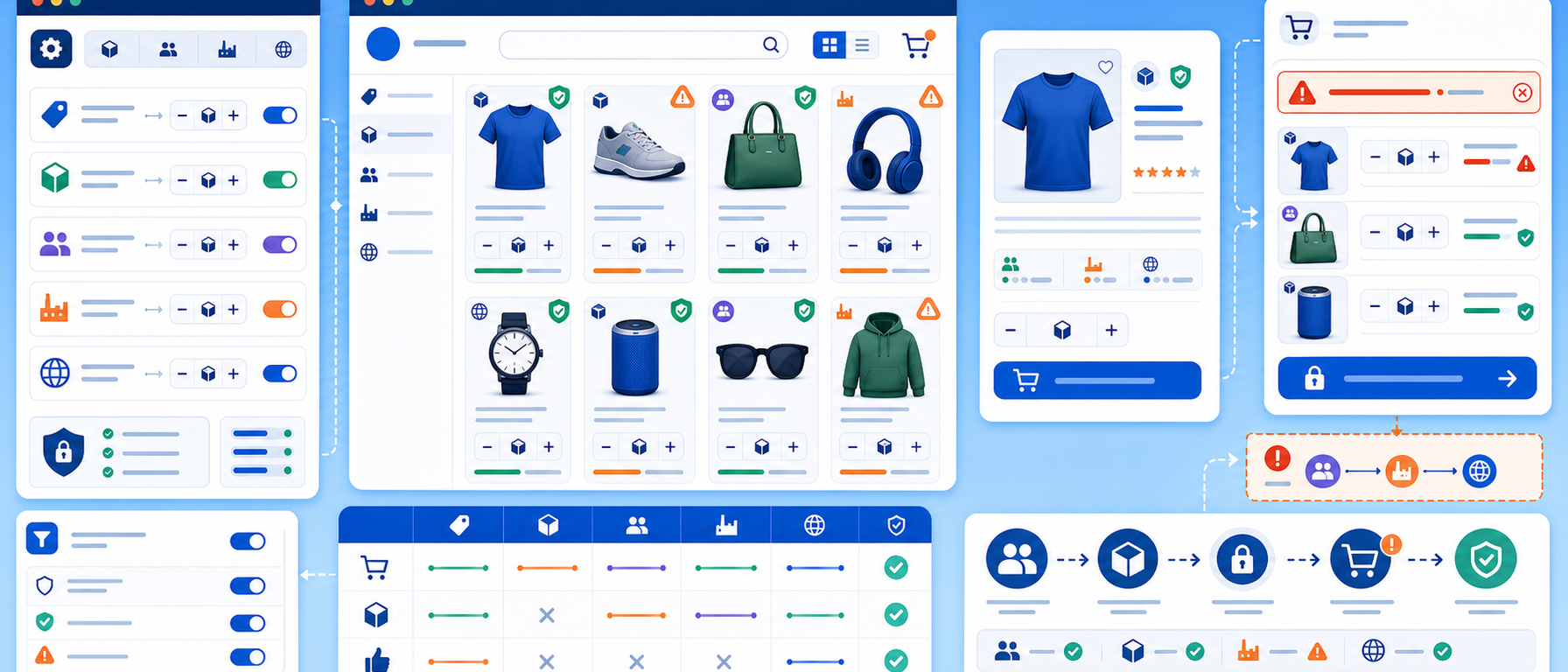
The Maximum Quantity module lets you set maximum quantity limits per customer in PrestaShop.
You create maximum quantity rules per product, per category, per manufacturer or per category and manufacturer combination, and the system enforces them automatically in the cart and checkout.
The customer is told clearly why any adjustment was made.
Key features
Flexible quantity rules
Create rules at any level of your catalogue:
- Per product: "Maximum 2 units of Product X per order"
- Per category: "Maximum 5 units from the Accessories category"
- Per manufacturer: "Maximum 3 units from Brand X"
- Category and manufacturer combination: "Maximum 2 Nike units from the Footwear category"
Automatic cart validation
The CartQuantityValidator checks rules in real time. If a customer exceeds the limit, the system:
- Displays a clear message to the customer
- Automatically adjusts the quantity to the allowed maximum
- Prevents completion of an order that breaks a rule
Rule management from the back office
Create, edit and manage all rules from a dedicated management page. Product and category search speeds up rule assignment.
Use cases
- Flash sales and limited offers: stop a single customer buying all the sale stock before others see it
- Supplier rules: some manufacturers impose per-customer quantity limits on authorised retailers
- Stock management: keep limited-stock items available to more customers
- Resale prevention: discourage bulk purchases intended for resale
- Gifts and samples: set "1 per customer" for free samples or promotional items
Benefits for the merchant
- Full control: define exactly how much each customer can buy per product or category
- Fair distribution: promotions stay accessible to more customers
- Automation: no manual checking, the system enforces the rules
- Flexibility: different rules for different products and categories
Who it is for
Stores with limited stock, flash sale promotions or manufacturer quantity policies, and any merchant who needs precise control over purchasing.
Frequently asked questions
What does Maximum Quantity do?
It sets a maximum purchase quantity per customer, with rules per product, category, manufacturer or a category and manufacturer combination.
What happens if a customer exceeds the limit?
The system shows a clear message, adjusts the quantity to the allowed maximum automatically and prevents completion of an order that breaks a rule.
Where do I manage the rules?
On a dedicated back-office management page, with product and category search.
What is it used for?
Flash sales, supplier rules, stock management, resale prevention and free samples.
Get in touch
If you are interested in the Maximum Quantity module, or would like to discuss which purchasing policy suits your store, contact us. We are here to help you find the best solution for your online store. You can also call us on +30 215 215 1362.