

What it is
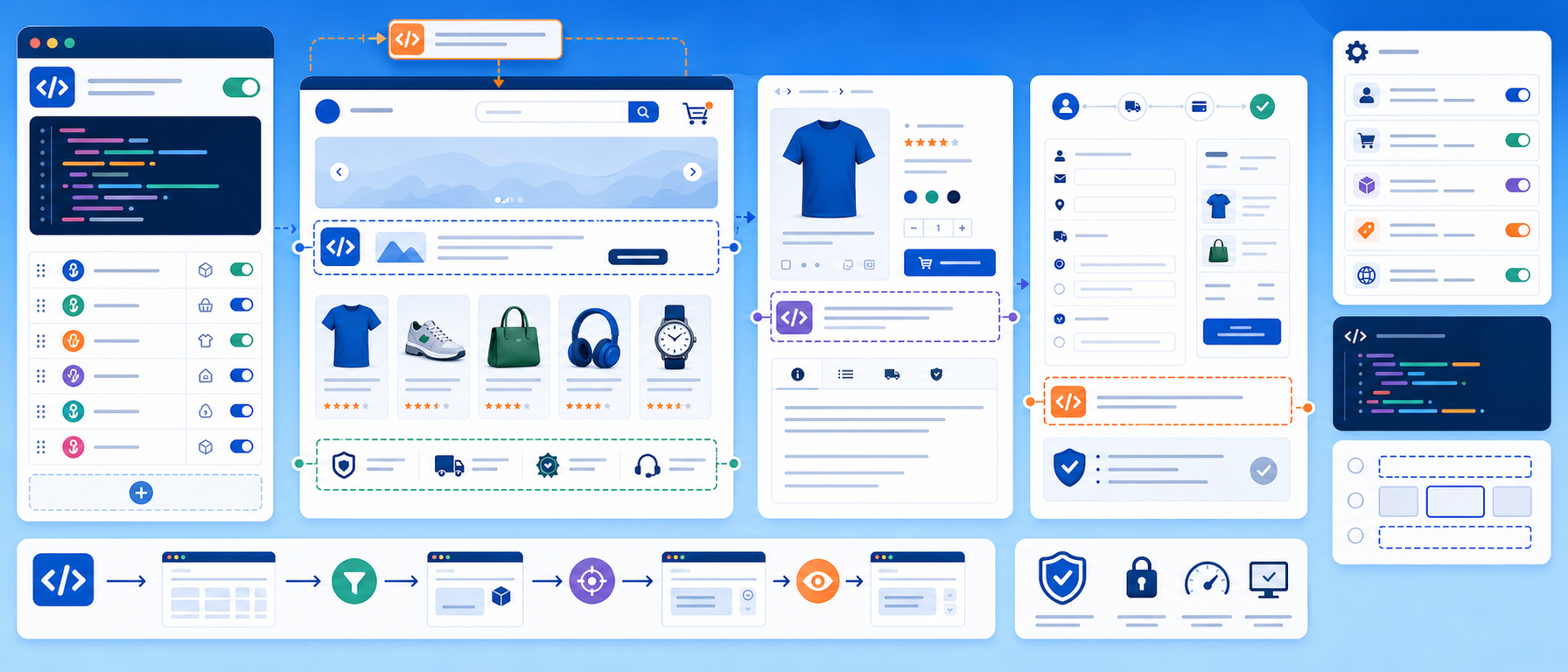
The Product Features Blocks module lets you define custom HTML blocks that appear automatically on a PrestaShop product page whenever the product has a specific feature.
Every product has features such as "Waterproof", "Energy Class A+++", "iOS Compatible" or "Organic". The module presents them with images, icons and text, without manual assignment per product.
You decide which feature and which value triggers each block, as well as its position and display order.
Why present features visually
Product features contribute to the purchase decision. Shown as a plain text list, they are easy to overlook. With custom HTML blocks, using images, icons and colours, the same features become easier for the visitor to notice.
Key features
Feature to content block mapping
Define rules such as "If the product has feature X, show block Y." The block can contain:
- Certification images (for example CE, ISO, organic badge)
- Benefit icons with text
- Explanatory content for a specific feature
- Videos or iframes
- Buttons or links (for example "Download the manual")
Feature and value selection
Through the feature selection form, you pick exactly which feature and which value activates each block. The logic is simple: feature = value, then show the block.
Display settings
Control how and where each block appears on the product page: position, display order and styling.
Multiple blocks per product
A product can trigger several blocks at once if it has several matching features. Each block is displayed independently.
Use cases
- Electronics: feature "Energy Class: A+++" with a block showing the energy rating icon and an explanation
- Sportswear: feature "Waterproof: Yes" with a block showing an image and the text "Ideal for rainy conditions"
- Food: feature "Organic: Yes" with a block showing the organic certification badge
- Technology: feature "Compatible with: iOS" with a block showing the Apple logo and a download link
- Tools: feature "Warranty: 5 years" with a block showing the warranty terms
Benefits for the merchant
You do not have to edit each product separately. You define a block once and it appears on every product that has the matching feature, which gives your certifications and selling points a more polished presentation across the catalogue.
Who it is for
Stores with products that have significant technical features, certifications or properties that are a competitive advantage, such as electronics, sportswear, food and industrial tools.
Frequently asked questions
What does Product Features Blocks do?
It automatically shows custom HTML blocks on the product page when the product has a specific feature.
What can a block contain?
Certification images, benefit icons with text, explanatory content, videos or iframes, and buttons or links.
Can one product show several blocks?
Yes. If it has several features it triggers several blocks, and each block is displayed independently.
Can I control where the blocks appear?
Yes. You control the position, display order and styling of each block on the product page.
Get in touch
If you are interested in the Product Features Blocks module, or would like to discuss how to highlight the features of your products, contact us. We are here to help you find the best solution for your online store. You can also call us on +30 215 215 1362.