

What it is
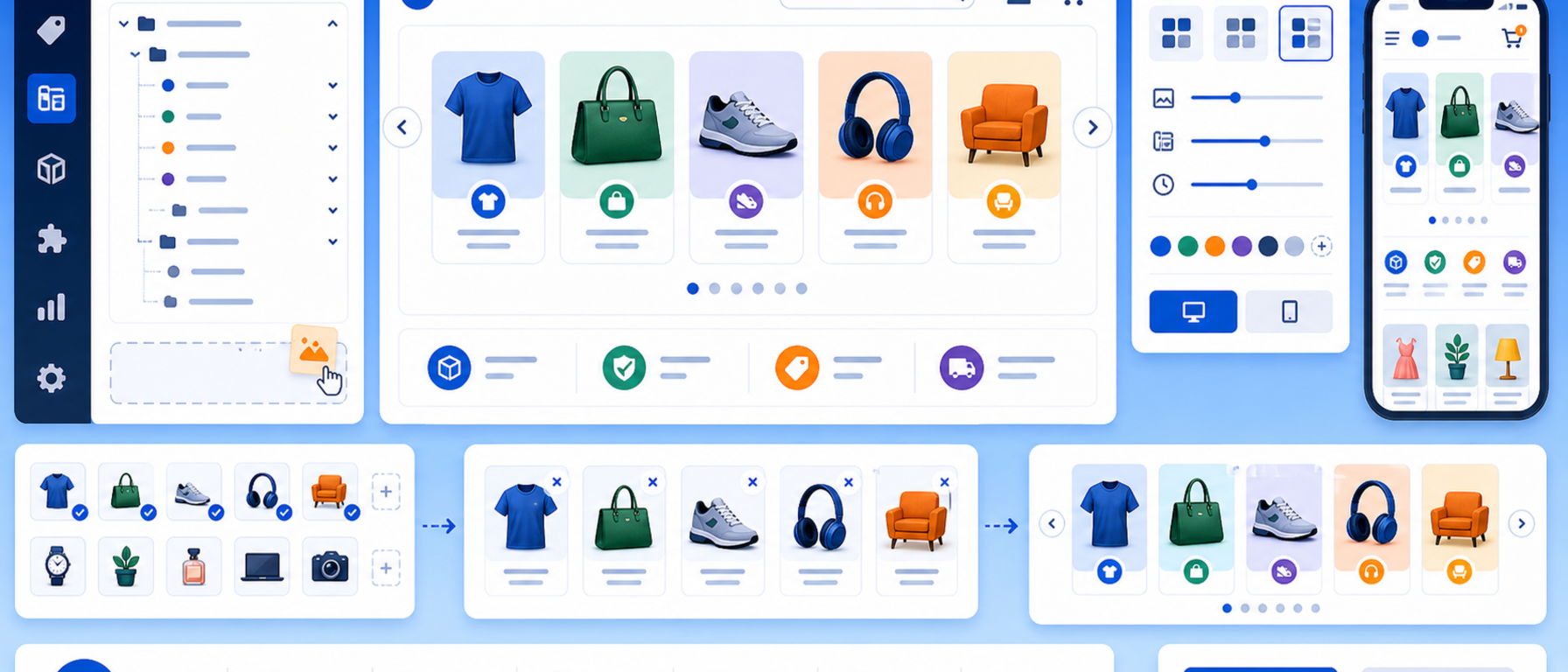
The Category Slider module adds a dynamic, visually engaging category slider to your PrestaShop store's homepage.
It displays category cards with images and names in an animated slider, guiding visitors quickly to the sections they care about.
You choose which categories appear, the speed and the number of visible cards.
Key features
- Smooth-animated category card slider
- Displays category image, title and description
- Automatic or manual navigation (autoplay with pause on hover)
- Configurable number of cards per row (desktop, tablet, mobile)
- Manual category selection or automatic pull from the category tree
- Custom image support per category
- Responsive design: fully functional on mobile and tablets
- Compatible with PrestaShop 8 and 9
Settings and customisation
- Choose categories to display (manual selection or automatic from root)
- Number of visible slides per breakpoint (desktop, tablet, mobile)
- Autoplay speed and interval between slides
- Toggle navigation arrows and pagination dots on or off
- Custom CSS for full control over appearance
- Multistore and multilingual support
How it works
The module is placed in any template hook, typically on the home page below the main banner. From the back office you select which categories to display, set the autoplay speed and the number of visible cards, and the slider is ready to go. Each card links directly to its category page.
Use cases
- Showing popular or seasonal categories on the homepage
- Quick navigation to the main sections of the store
- A homepage slot below the main banner
Benefits for the merchant
The category slider makes navigation easier, because visitors see the main categories with an image and a name and open them with one click. It highlights popular or seasonal categories in a visually engaging way.
Technical details
- No core file modifications required
- Compatible with the Hummingbird and Classic themes, as well as custom themes
- Lightweight footprint
- Technical support and updates included
Frequently asked questions
What does the Category Slider show?
Category cards with image, title and description in an animated slider on the homepage.
How do I choose which categories appear?
Manually, or automatically from the category tree. You can also set custom images per category.
Can I set the number of cards?
Yes. You set the number of visible cards per breakpoint (desktop, tablet, mobile).
Where is the slider placed?
In any template hook, typically on the homepage below the main banner.
Get in touch
If you are interested in the Category Slider module, or would like to discuss how to showcase the categories of your store, contact us. We are here to help you find the best solution for your online store. You can also call us on +30 215 215 1362.