Improving Search in PrestaShop
Search is an important part of the user experience in an online store. Especially in PrestaShop, improving search can increase customer satisfaction and lead to more sales. Here are some tips for improving the search functionality in PrestaShop:

1. Use of Correct Keywords
Ensure that your products are correctly categorized and that keywords accurately represent their features. For example, if you sell "wireless headphones," the relevant keywords should include "Bluetooth headphones," "earbuds," "cordless headphones."
2. Result Filtering
Incorporate filters for price, color, availability, brand, and other important parameters. A well-structured filter can help the user quickly find the product they are looking for. For example, if a user searches for "shoes" and selects the "size 42" filter, then the results list should show only available shoes in that size.
3. Speed Optimization
Speed is critical. Make sure to optimize your database, use caching, and reduce unnecessary queries. You can use tools like Google PageSpeed Insights to check if the search page loads quickly.
4. Improving the Auto-Complete Mechanism
When users type in the search bar, suggest related searches. If someone types "laptop," the system can suggest "Dell Laptop," "Gaming Laptop," "Laptop deals."
5. Use of Related Results
If the user types "t-shrt" instead of "t-shirt," the system should return related results. This can be done through fuzzy search or spelling error management.
6. Creating Custom Search Pages
If you see that a search term appears frequently, you can create a special page with suggested products. E.g., if many users search for "Black Friday deals," create a landing page with the related products.
7. User Search Analysis
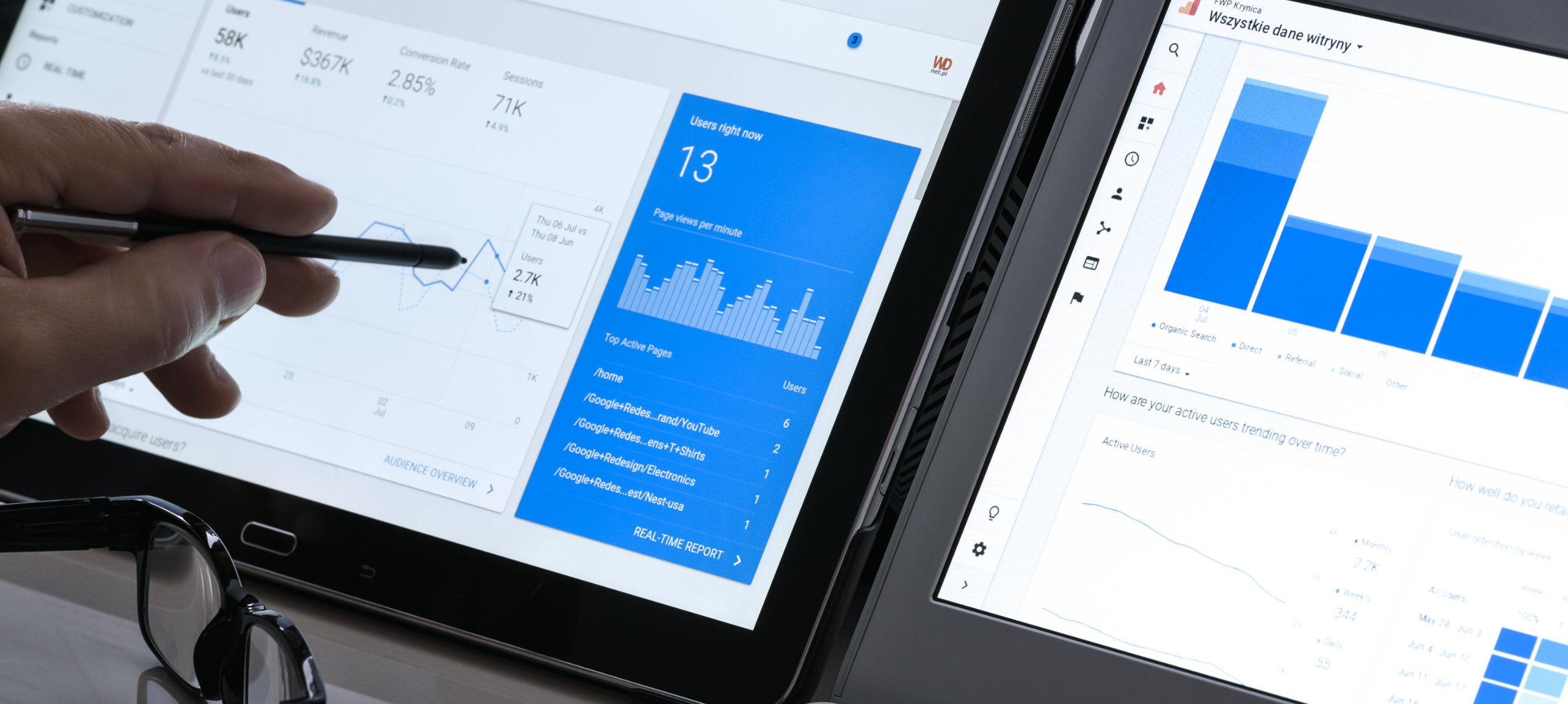
Use Google Analytics or PrestaShop tools to see what users are searching for. If you notice that many are searching for a product you don't have, it may be worth adding it to your inventory.
8. Enabling Alternative Searches
Allow users to search for products with synonyms. For example, if you sell "backpack," a user who types "backpack" should receive the same results.
9. Using SEO-Friendly URLs
If search pages create URLs, make sure they are search engine friendly. For example, instead of "?search=watch," prefer "search/watch."
10. Testing and Optimization
Test the search as if you were a customer. If you notice that a product doesn't appear easily, improve the tags and keywords.
By following these tips, search in PrestaShop can become more effective, improving the user experience and increasing sales.